

Internal business tool
WCAP Messages
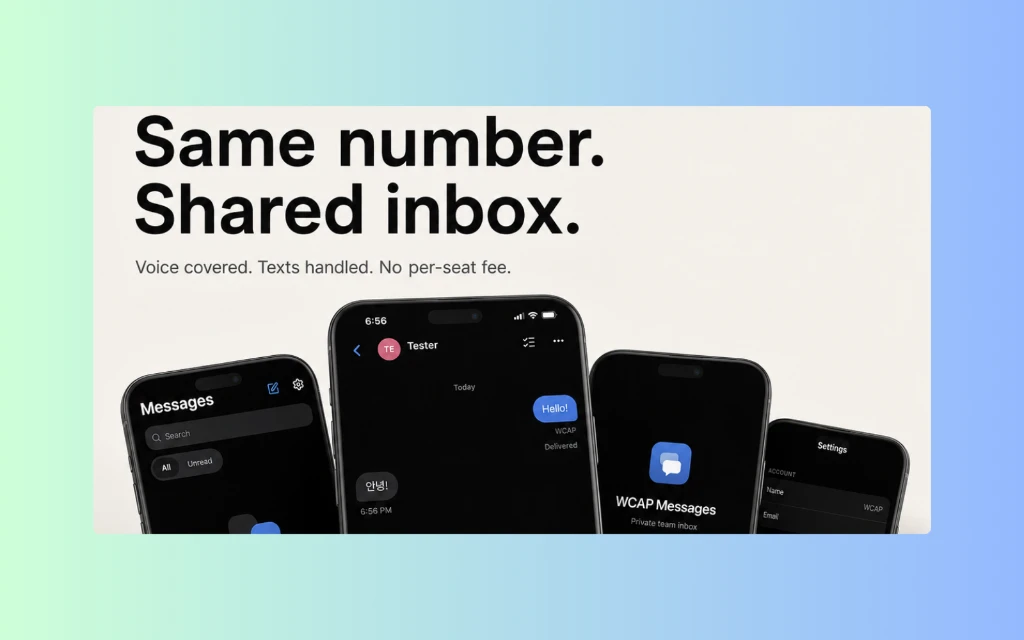
We needed two people to handle customer texts from one business number without adding a bloated contact-centre platform or disrupting our existing call workflow. So we built the focused internal tool ourselves.
Built and operated by the same operators behind WCAP Works.
Why it matters
A small tool can solve a specific operating problem.
The same approach applies to staff tools, customer communication, integrations, and operational dashboards. Use standard software when it solves the problem. Build something custom when the operational need justifies it.
Type
Internal operations
Industry
Local service operations
Scope
Shared SMS inbox, iPhone web app, Existing phone integration
Status
Operating internal tool
The problem: calls worked. Shared texting was missing.
Calls already had their own workflow. Customer texts came into the same business number, but two operators needed a simple way to see and answer them on iPhone. We wanted one shared inbox, clear unread state, notifications, and protection against accidental repeat sends. A larger contact-centre or CRM platform brought more complexity than this workflow needed.
Why custom made sense here.
The job was narrow, the operators and devices were known, and the existing phone setup needed to stay. Simplicity mattered more than a long feature list. We kept call routing separate and built the missing SMS layer around the infrastructure we already used, without requiring a wider workflow migration.

What was built
What was built.
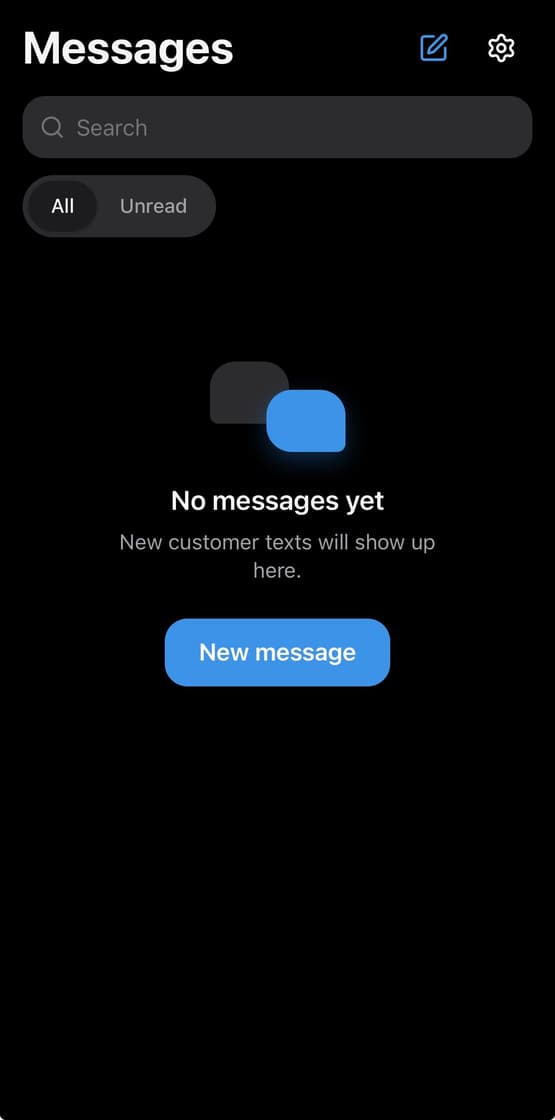
A shared inbox for inbound and outbound customer SMS, including new conversations
Customer naming, phone records, conversation search, and unread filtering
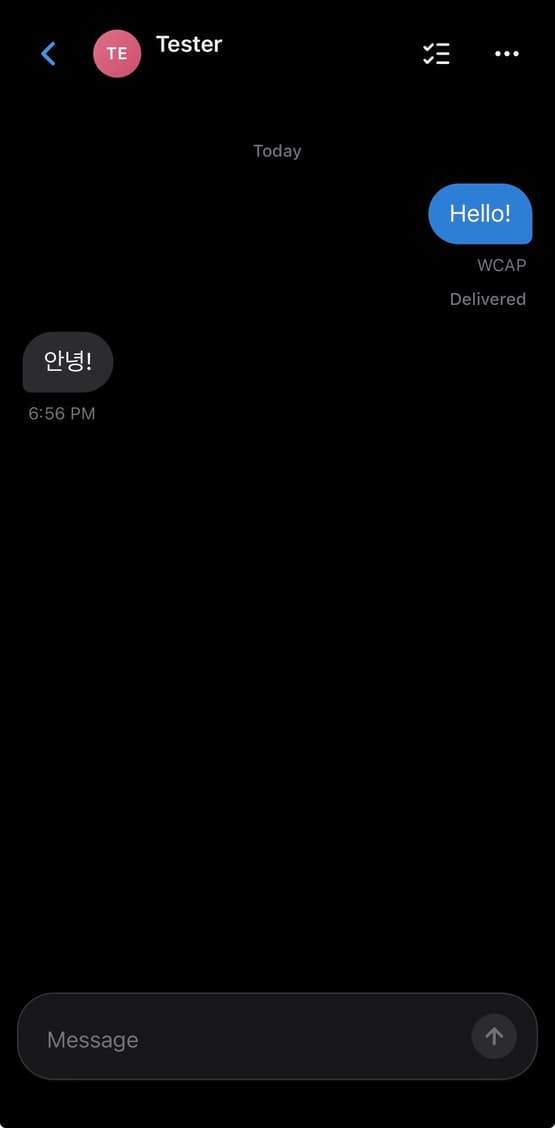
Individual message threads with delivery feedback and shared state across operators and devices
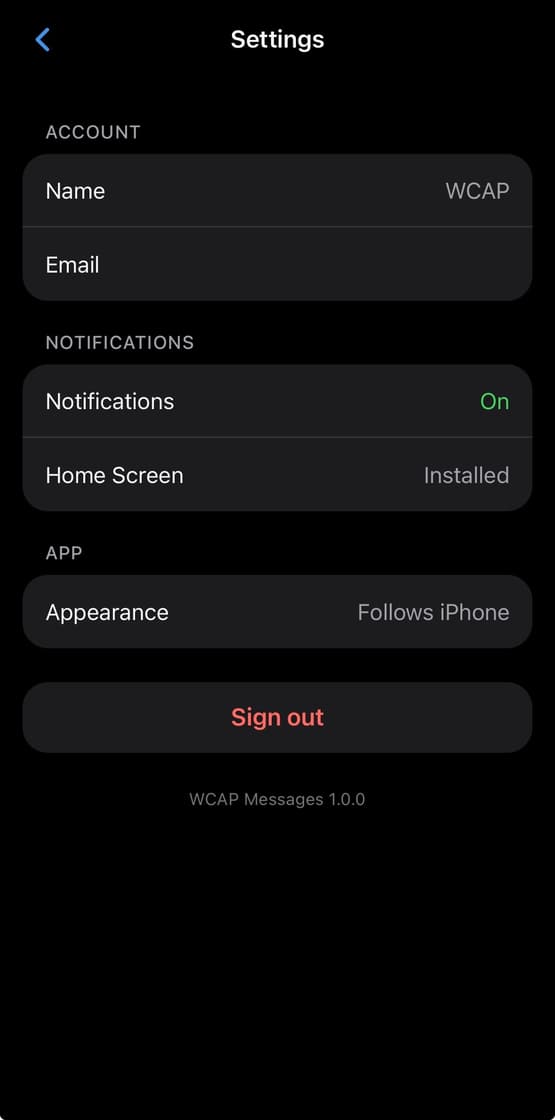
iPhone Home Screen installation and push notifications
Offline awareness, restricted staff access, and safeguards against accidental repeat sends
Controls to delete individual messages, clear a thread, or delete a conversation
What it shows
What it proves.
WCAP Messages is not proof that every business needs custom software. It shows what custom work should look like when the problem is specific: understand the workflow, keep the parts that already work, build only what is missing, and make it simple enough for the team to use.
Built and used by WCAP for its own operators. Presented as internal business-tool proof, not client work, a software subscription offer, or a measured performance claim.
Start with a free Website & Google Check.
We will look at how the business appears online and show you the biggest things we would fix first.